Your First Login
Login to Xen Orchestra
info
Please note you are only able to login if you received an invitation to join the FSE CSlab collaboration and joined.
Browse to https://xoa.fse-cslab.nl and select "Sign in with saml"
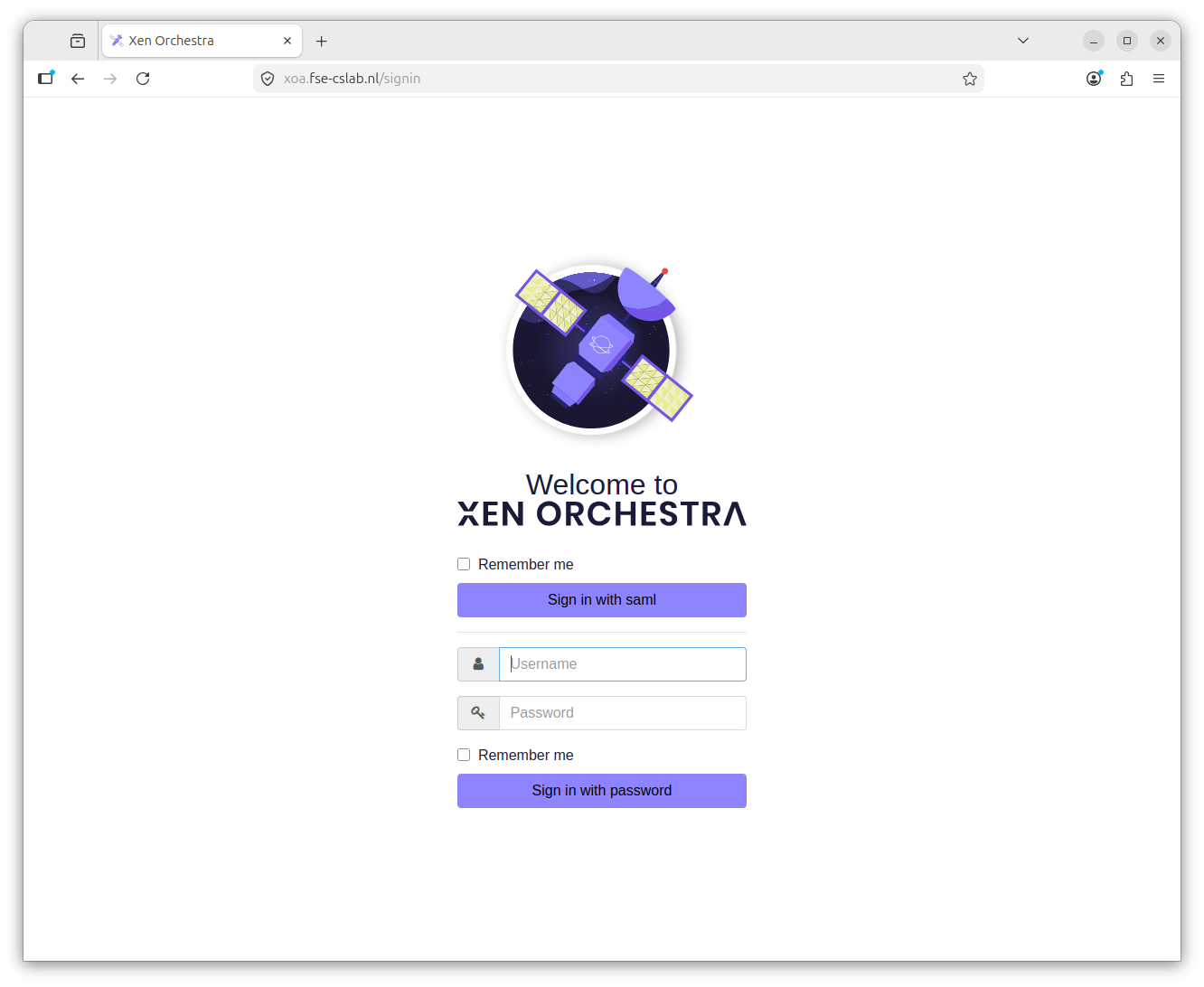
You will be redirected
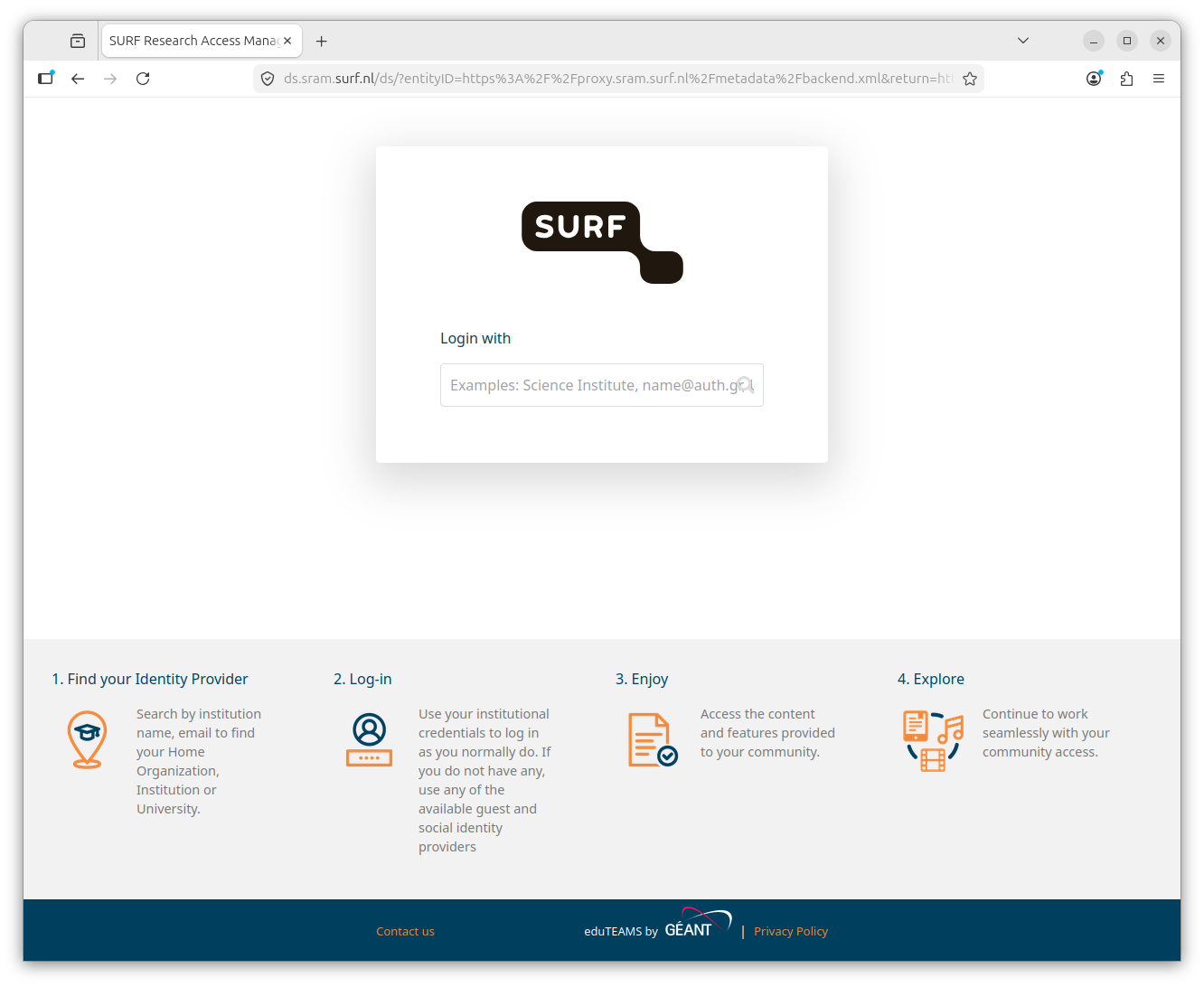
Search for Maastricht and select "Maastricht University"
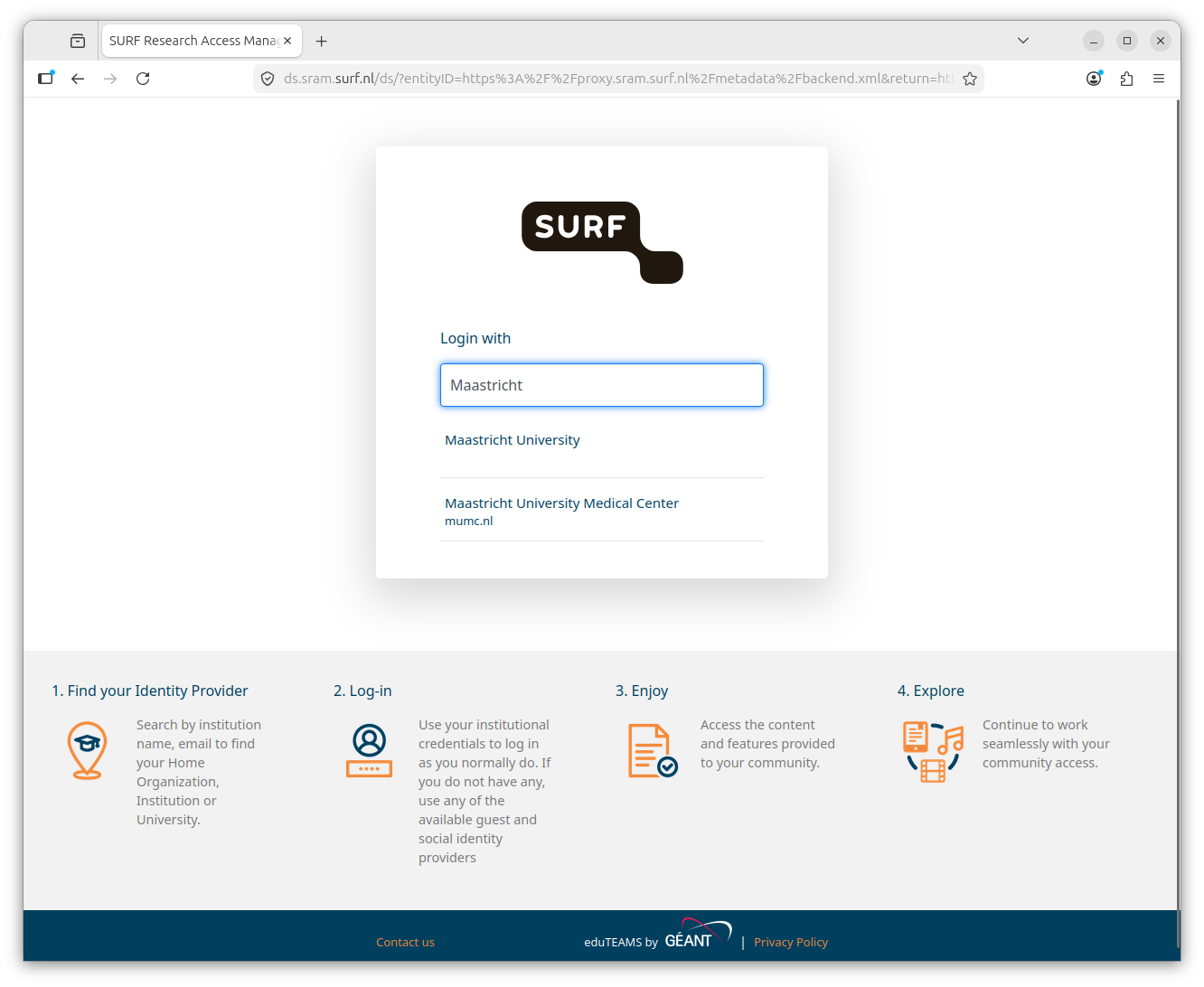
You will be redirected to the UM login page, where you can login with your UM credentials. You may be directly redirected if you have already an active login session.
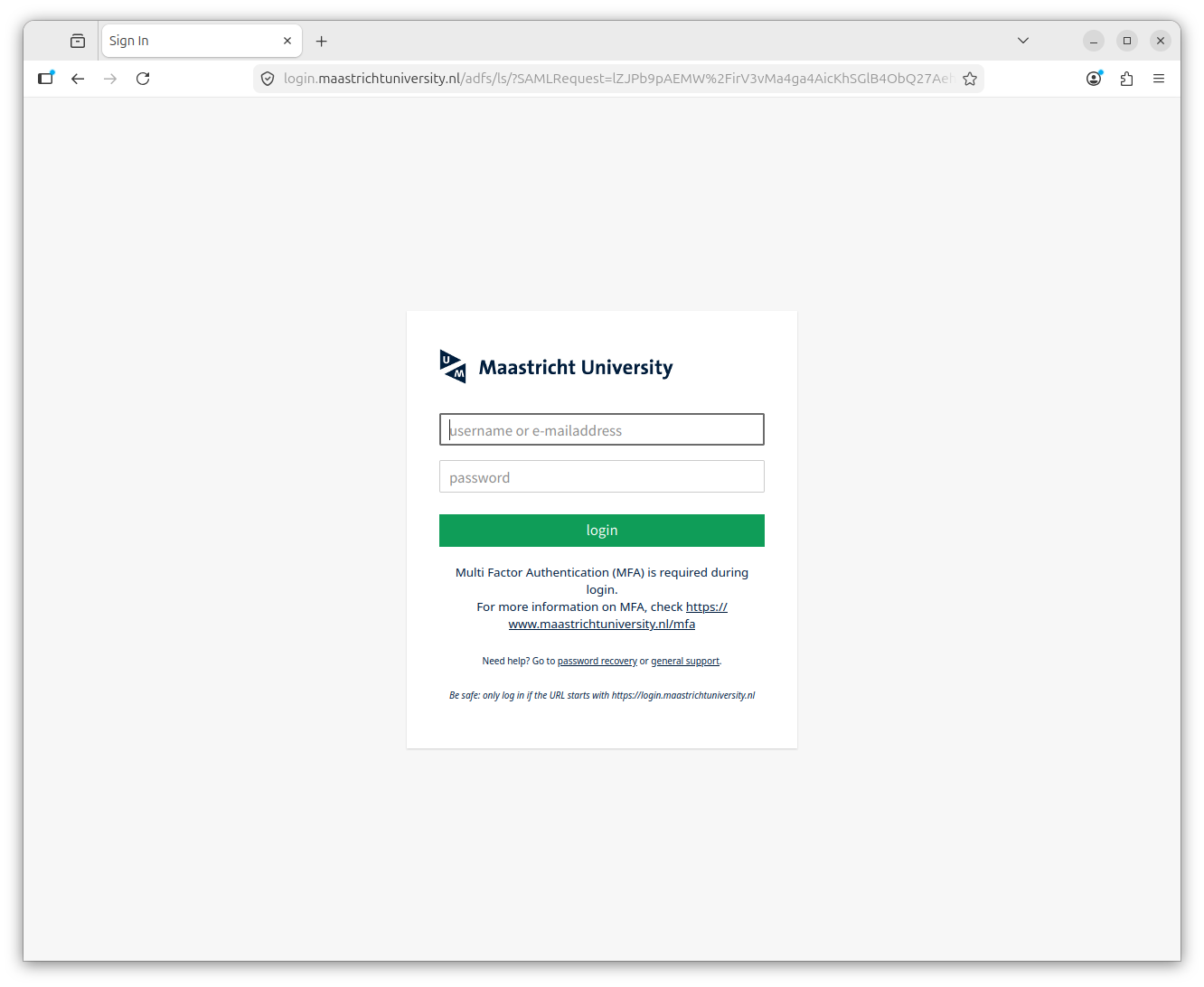
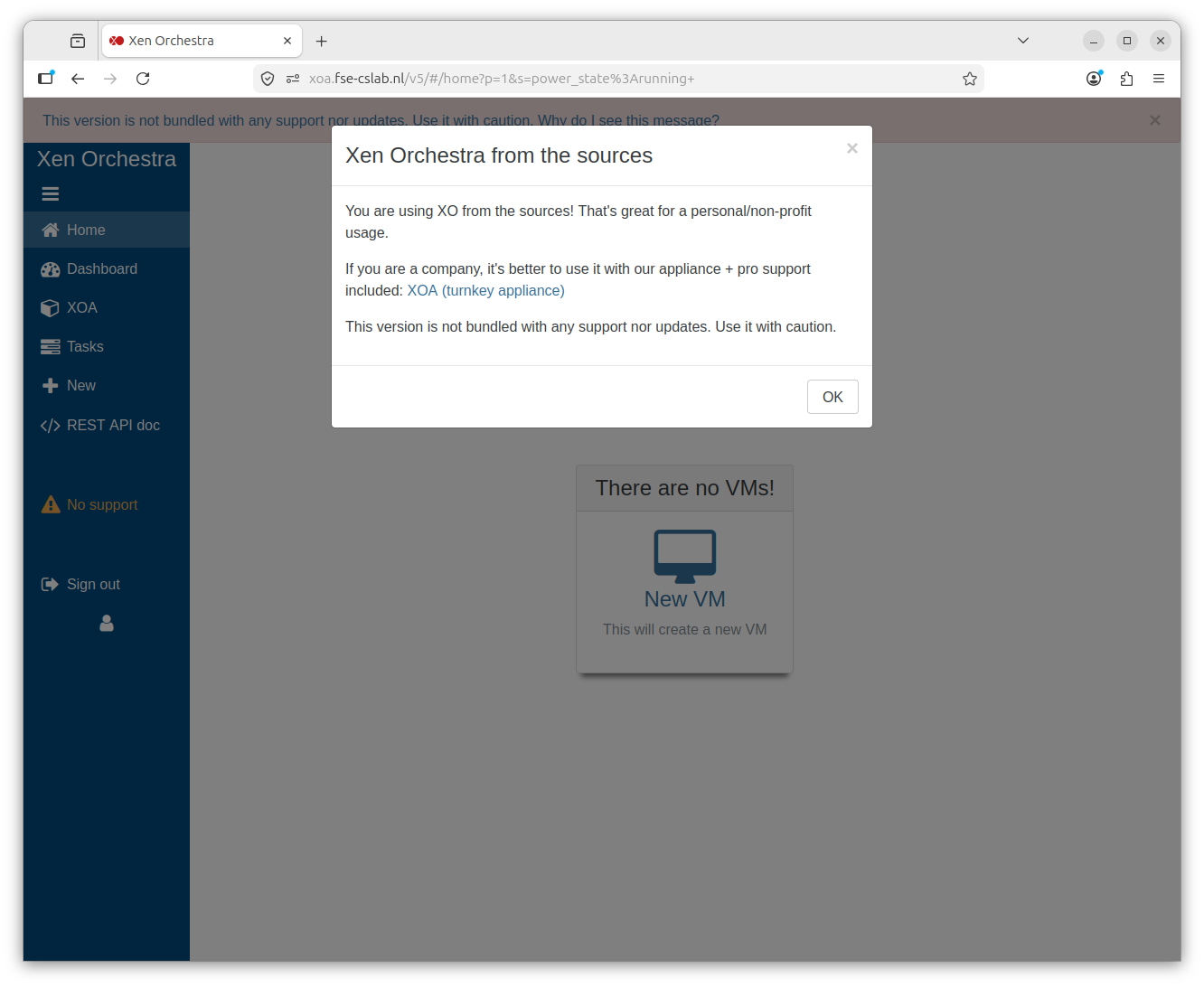
After the UM Login you will be redirected to the XO homepage and you can start using XO.
info
Please note that you can only log in from the eduroam or UMnet network. If you want to connect from outside the UM network, you must first establish a VPN connection.